
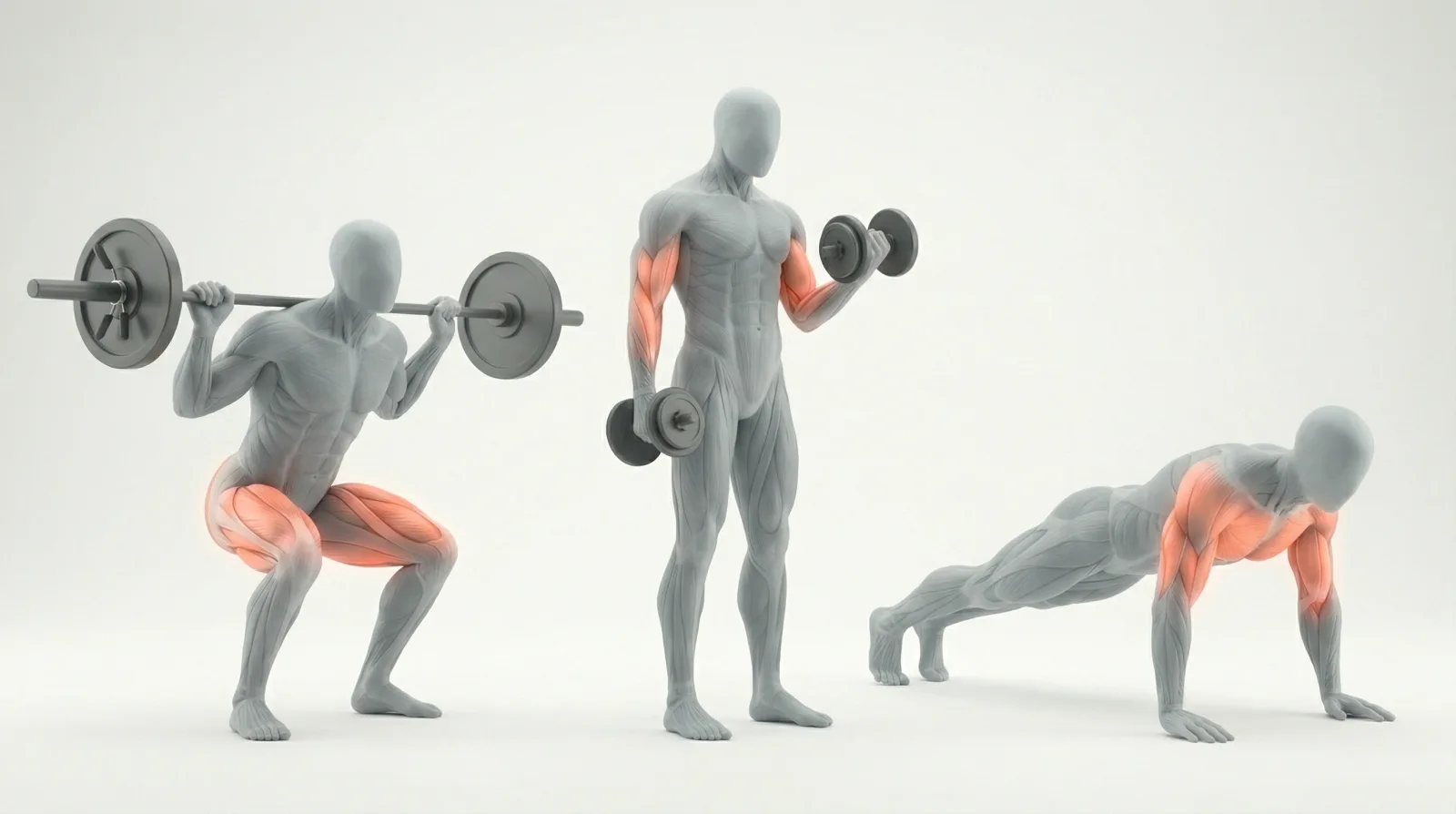
Quick Answer
What are exercise animations?
Short, looping video clips that demonstrate proper exercise form. Used in fitness apps, coaching platforms, and content creation. Available as MP4, GIF, or Lottie files from free community sources or premium libraries like MoveKit.
- •MP4 (H.264): Best quality-to-size ratio, universal support, loopable
- •Premium 3D libraries range from $1/clip to $599 for full packages
- •Commercial licensing is the #1 thing developers overlook
- •MoveKit: 400+ exercises at $4.99/clip, or the 582-exercise Complete Pack at $299
Every fitness app needs exercise demonstrations. The question is where to get them: build your own in Blender, scrape free GIFs, or buy from a professional library. Each path has real tradeoffs in time, money, and quality.
What Are Exercise Animations?
Exercise animations are looping video clips showing proper movement form for a specific exercise. They replace static images or live-action video in fitness apps, coaching platforms, and workout content.
The format matters more than most developers expect. A two-second barbell squat clip can weigh 6 MB as a GIF or 300 KB as an MP4. Multiply that across 50 exercises and you are looking at the difference between a snappy app and one that makes users wait on every screen.
Quality varies wildly too. Free community GIFs use inconsistent art styles, mixed camera angles, and often lack commercial licenses. Premium 3D libraries offer consistent style, muscle group overlays, and clear licensing for commercial products.
Exercise Animation Formats Compared
Four formats dominate the exercise animation space. Each has clear strengths and limitations for fitness app developers.
Animation Format Comparison for Fitness Apps
| Format | File Size | Quality | Browser Support | Transparent | Loopable |
|---|---|---|---|---|---|
MP4 (H.264)Recommended Standard for production fitness apps | 200-400 KB | Full color, smooth motion | Universal | ✗ | ✓ |
GIF Legacy format, poor compression | 2-8 MB | 256 colors, visible banding | Universal | ✓ | ✓ |
WebM (VP9) | 150-350 KB | Full color, good compression | No Safari (without fallback) | ✓ | ✓ |
Lottie (JSON) Cannot represent 3D or muscle highlights | 10-50 KB | Vector, 2D only | Requires library | ✓ | ✓ |
For most fitness apps, loopable MP4 (H.264) is the right default. Universal browser and device support, excellent compression, full color depth, and clean looping without the end-frame stutter that plagues poorly encoded clips.
Lottie has a niche for simple 2D exercise icons or UI animations, but it cannot represent realistic 3D movement with muscle highlights. GIFs should be avoided entirely for production use.
For a deeper comparison of GIF vs MP4 with real file size benchmarks, see our format breakdown.
Want to see the difference in practice? Browse MoveKit's loopable MP4 exercise library with live previews on every card.
Where to Get Exercise Animations
Sources fall into four tiers: free, DIY, budget databases, and premium libraries.
Free sources include Tenor, Giphy, and LottieFiles. Quality is inconsistent, art styles clash, and most licenses prohibit commercial redistribution. Fine for a prototype, not for a shipped product.
DIY with Blender gives you full control but demands months of 3D modeling, rigging, and animation work. One Reddit developer estimated 2-3 weeks per exercise at a professional level. For a 50-exercise library, that is over two years of work.
Budget databases like ExerciseDB or free-exercise-db provide exercise metadata and static images. Some include GIFs. Pricing runs $50-100 for the dataset, but video quality and licensing terms vary.
Premium libraries are purpose-built for commercial fitness products. This is where GymVisual, ExerciseAnimatic, and MoveKit compete. Each takes a different approach to library size, pricing, and format.
⚠️Licensing matters
Free GIFs from Tenor and Giphy typically cannot be used in commercial products. Always verify the license before embedding exercise content in a paid app. A takedown notice after launch is far more expensive than buying properly licensed clips upfront.
Exercise Animation Libraries Compared
Here is how the four major exercise animation providers compare on the features that matter to developers: format, pricing, consistency, and licensing.
Exercise Animation Library Comparison (2026)
| Feature | GymVisual | ExerciseAnimatic | MoveKit |
|---|---|---|---|
| Style | 2D illustrations + GIFs | 3D animations | 3D animations |
| Library Size | Large (varies) | 2,000+ | 582 (curated) |
| Format | Illustration / GIF / Video | MP4 (4K 60fps) | High-resolution MP4 (loopable) |
| Muscle Highlights | No | No | Supporting artifacts |
| Art Consistency | Mixed across formats | Consistent | Consistent (single mannequin) |
| Individual Pricing | $0.75-$6/item | $1/clip | $4.99/clip |
| Whole catalogue | Contact for bulk | Contact for bundle | $299 (Complete Pack) |
| Free Samples | Not visible | Yes | Yes (2 exercises) |
| Commercial License | Yes | Yes (lifetime) | Yes (included) |
| Delivery | Unknown | Unknown | Authenticated download |
| Characters | N/A (2D) | Unknown | Male (consistent mannequin) |
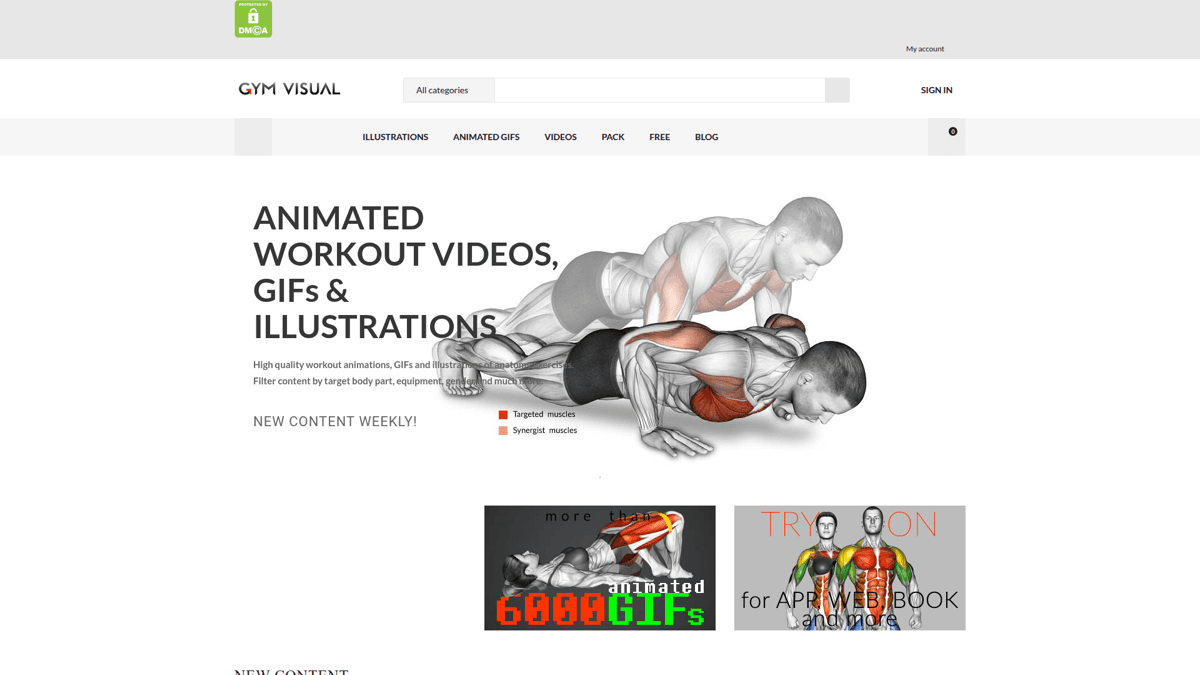
GymVisual focuses on 2D illustrations, not 3D video animations
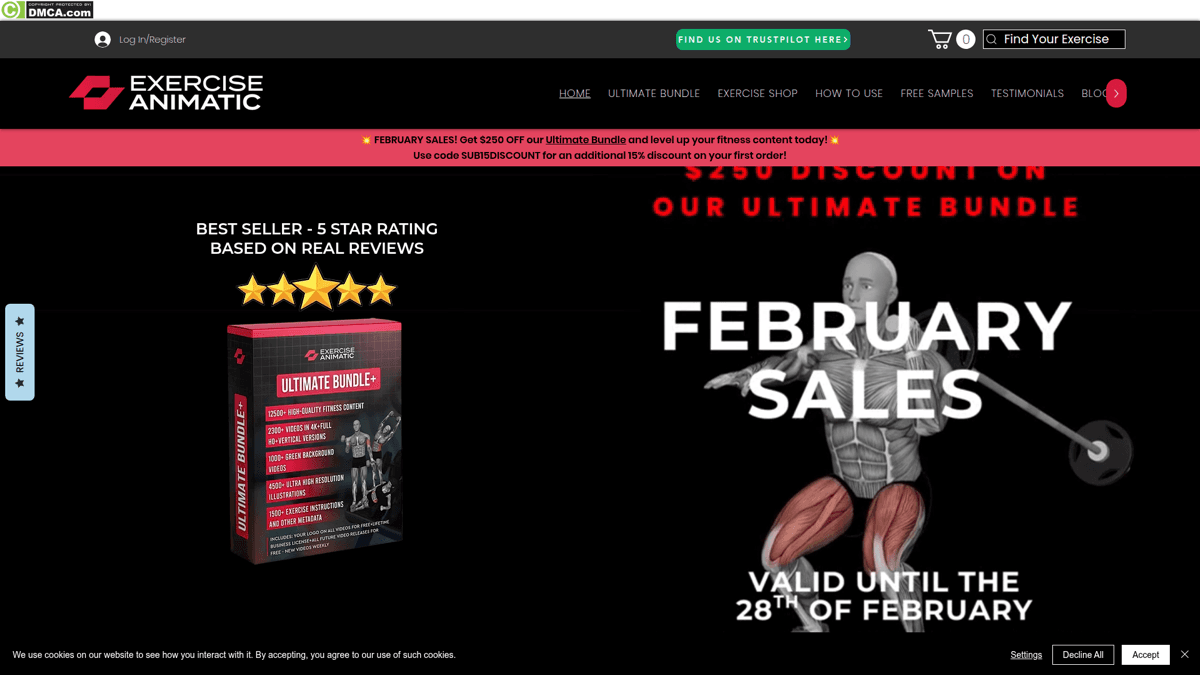
ExerciseAnimatic offers free samples and individual clips at $1 each
A few things stand out. GymVisual is the most established but primarily offers 2D illustrations, not 3D video. ExerciseAnimatic offers per-clip purchasing with 4K quality. MoveKit has a smaller, curated library with structured metadata, supporting artifacts, and published pricing: $4.99 per clip, or $299 for the 582-exercise Complete Pack.
See MoveKit Animations in Action
No other exercise animation comparison article can show you this: live, looping 3D previews embedded directly in the page. Here are three exercises from the MoveKit library.
Live Exercise Previews
Barbell Bench Press
Bodyweight Squat
Dumbbell Hammer Curl
Every exercise uses the same 3D mannequin, the same camera angle conventions, and the same rendering pipeline. That consistency matters when your app displays dozens of exercises side by side. Mixed art styles look unprofessional. MoveKit also provides structured muscle metadata and supporting artifacts so developers can map exercises to app UI without rebuilding the taxonomy from scratch.
Browse All 400+ Exercises
Every exercise has a live video preview, muscle group tags, and instant download. Commercial license included.
Licensing for Commercial Use
Licensing is the thing most developers check last and regret first. Free GIF sources almost never allow commercial redistribution. Even some paid libraries have murky terms around embedding in SaaS products or redistributing to end users.
Here is what MoveKit's commercial license covers:
Allowed
- ✓Use in commercial fitness apps (iOS, Android, Web)
- ✓Embed in online courses and coaching platforms
- ✓Use in YouTube and social media content
- ✓Modify and adapt for your project
- ✓Unlimited end users of your product
Not Allowed
- ✗Resell or redistribute raw animation files
- ✗Include in a competing animation marketplace
- ✗Claim as your own original work
- ✗Share raw files outside the buyer entity
One Standard license covers the buyer entity's own apps, websites, client projects, courses, videos, ads, and commercial products.
GymVisual also includes commercial licensing, but terms vary by package and are not always surfaced clearly on pricing pages. ExerciseAnimatic offers lifetime licensing on bundles. MoveKit includes commercial licensing with every purchase, whether you buy a single $4.99 clip, one of the nested buyer libraries, or the $299 Complete Pack.
What Developers Are Saying
Reddit threads from fitness app developers consistently highlight the same pain points: finding quality exercise content, understanding licensing, and avoiding the months-long detour of DIY 3D animation.
“I'd love to have comprehensive list of gifs even if animated that show every single exercise and how it's done. Basically on loop doing that certain exercise.”
“I would like to animate some 3D characters to create workout videos... I don't have any experience in 3D so I wonder how much difficult it would be since it's just appear to be some loop of 2sec animations”
“There is also this database with 1300+ exercises and gifs but it costs around $100... As a free option, you can get this one with over 800 exercises but it only has images to describe the movement, not gifs or videos.”
The pattern is clear: developers want looping exercise content with transparent pricing and licensing. Most settle for lower-quality options because the premium alternatives either require bulk purchases or do not make their pricing visible.
How to Add Exercise Animations to Your App
Integration is straightforward with HTML5 video. The key attributes for exercise animations:
<video src="YOUR_CDN/barbell-squat/preview.mp4" autoplay loop muted playsinline poster="YOUR_CDN/barbell-squat/poster.webp"/>Key implementation notes:
mutedandplaysinlineare required for autoplay on iOS Safari- Use
posterfor the initial frame before the video loads - Lazy load with
IntersectionObserverfor lists with many exercises - Use public previews for browsing surfaces and paid high-resolution MP4 files for product detail views
💡 Tip
Use public previews for card thumbnails and list views. Use the paid MP4 files on detail pages or inside your product where users need the full-quality asset.
Start Building With Real Exercise Animations
Grab the free sample pack, or get all 582 exercises with commercial license for $299.
Browse the Library →FAQ
What format is best for exercise animations in a fitness app?
MP4 with H.264 codec. It offers the best quality-to-size ratio, works on every browser and device, and supports clean looping. Avoid GIFs (5-10x larger, 256 color limit) and WebM (no Safari support without fallback).
Can I use free exercise GIFs from Giphy or Tenor in my app?
Generally no for commercial products. Their licenses restrict commercial redistribution. If your fitness app charges users or displays ads, you need content with an explicit commercial license. Premium libraries like MoveKit, GymVisual, and ExerciseAnimatic all include commercial licensing.
How much do exercise animations cost?
The range is wide. Free sources exist but have quality and licensing issues. Budget databases run $50-100. Premium 3D libraries charge $1-6 per clip individually, or $149-599 for library packages. MoveKit offers individual clips at $4.99 or four nested buyer libraries from $149 to $299.
What is a muscle highlight animation?
A supporting visual asset that emphasizes muscles used during the movement. It helps end users understand which muscles they are targeting. MoveKit provides structured muscle metadata and supporting artifacts, but you should not assume every exercise has verified highlight coverage unless a current QA manifest confirms it.
Key Takeaways
- ✓MP4 (H.264) is the standard format for exercise animations in production fitness apps
- ✓Free GIFs have licensing restrictions that make them unsuitable for commercial products
- ✓Premium libraries range from $1/clip to $599 for full packages, with wide variation in quality and consistency
- ✓Art style consistency matters when displaying multiple exercises side by side in your app
- ✓Always verify commercial licensing before shipping exercise content in a paid product