
Quick Answer
Should you use GIFs or MP4 animations for exercise content?
MP4 (H.264, loopable) is the right choice for any modern fitness app or website. GIFs are 5-10x larger for the same quality, lack color depth, and cannot loop cleanly. MP4 gives you crisp 60fps motion at a fraction of the bandwidth.
- •GIF: Universal but bloated - a 2-second exercise clip is typically 2-8 MB
- •MP4 loopable: Same clip at under 400 KB, full color, smooth motion
- •WebM: Slightly smaller than MP4, but Safari support requires a fallback
- •Sprite sheet: Best for CSS/game engines, not practical for fitness apps
Open any major fitness app and you will find exercise demonstrations. Some use video. Many still use GIFs. If your app is in the GIF camp, you are paying a performance tax on every screen load - and your animations look worse than they should.
This guide breaks down every major animation format, shows you the real numbers, and explains why loopable MP4 is the standard for production fitness apps in 2026.
The Problem With GIFs
GIFs were designed in 1987 for simple web graphics. They have a hard limit of 256 colors per frame, no support for audio, and their compression is laughably inefficient compared to modern video codecs. A two-second exercise clip exported as a GIF typically weighs 2 to 8 MB. The same clip as an H.264 MP4 comes in under 400 KB.
⚠️GIFs inflate your app bundle and slow down page loads
A library of 50 exercise GIFs can add 150-400 MB to your asset footprint. On a 4G connection, each GIF adds 1-3 seconds of perceived load time. MP4 previews of the same exercises total under 20 MB.
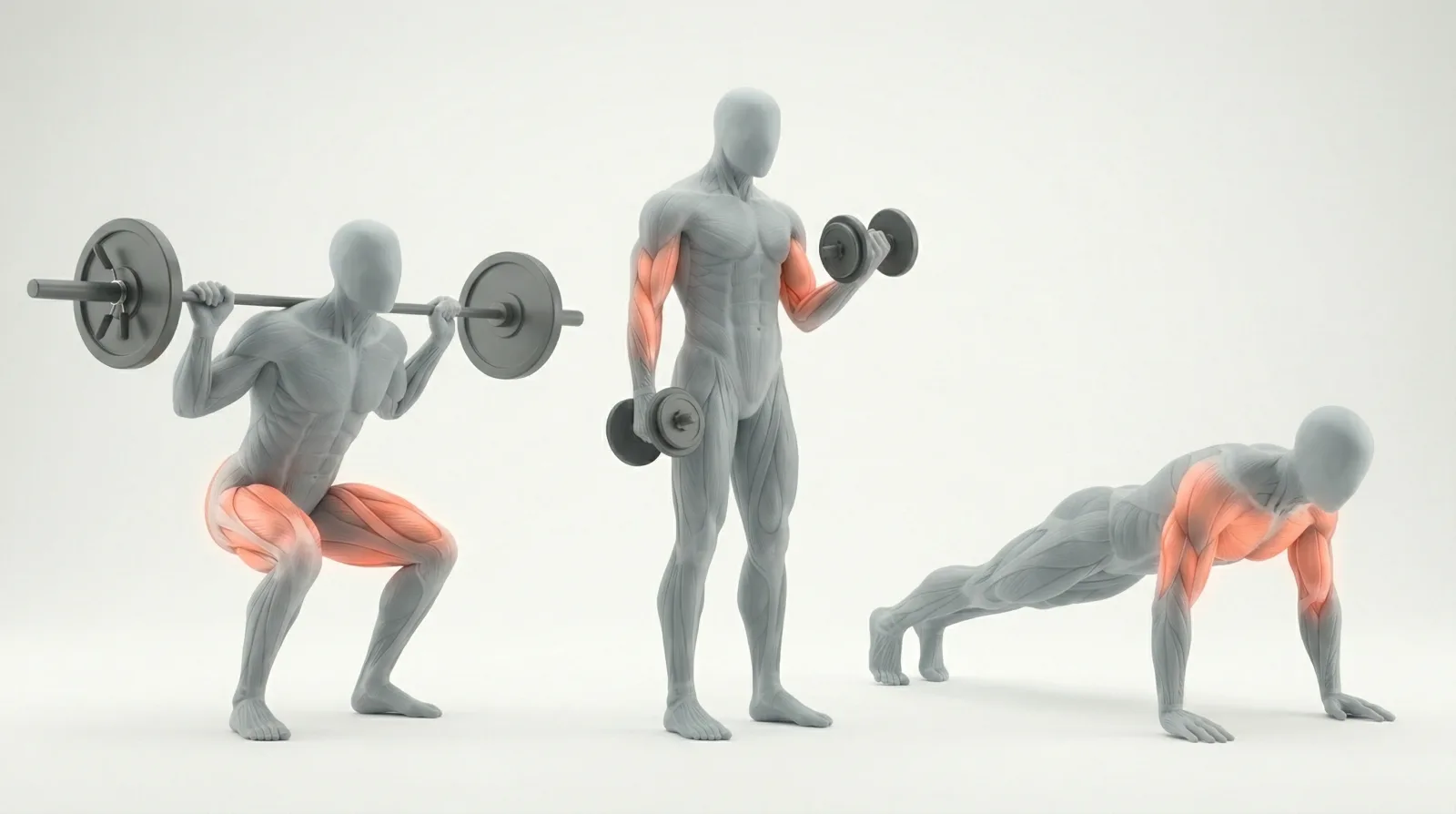
The color limitation is just as damaging to quality. Human skin tones, muscle highlights, and gradient backgrounds all require more than 256 colors to render faithfully. GIFs dither these gradients into visible banding. Loopable MP4 files have no such limitation - full 24-bit color, smooth gradients, clean muscle highlight overlays.
GIF - The Reality
Pros
- ✓Works everywhere with zero JS
- ✓Drop into any img tag
- ✓Familiar format for non-developers
Cons
- ✗256 color limit causes visible banding
- ✗5-10x larger than equivalent MP4
- ✗Cannot be paused or controlled
- ✗No transparency support for complex backgrounds
- ✗Choppy motion above 15fps
Format Comparison
Here is how the main animation formats stack up for a typical 2-3 second exercise loop:
Exercise animation format comparison (short high-resolution loop)
| Format | File Size | Quality | Browser Support | Transparent | Loopable |
|---|---|---|---|---|---|
MP4 (H.264)Recommended Best balance of quality, size, and compatibility | 200-400 KB | Full color, 60fps capable | All browsers + iOS/Android | ✗ | ✓ |
WebM (VP9) Use with MP4 fallback for universal support | 150-300 KB | Full color, slightly better than H.264 | All except Safari (needs fallback) | ✓ | ✓ |
GIF Legacy format - avoid for new projects | 2-8 MB | 256 colors, banding on gradients | Universal | ✗ | ✓ |
APNG Better than GIF but still large | 1-4 MB | Full color, better than GIF | Modern browsers only | ✓ | ✓ |
Sprite Sheet Best for game engines and CSS animation | 500 KB - 2 MB | Depends on frame count | Universal (CSS/Canvas) | ✓ | ✓ |
Key metrics at a glance
| Metric | MP4 (H.264) | GIF | WebM |
|---|---|---|---|
| File size (2s clip) | ~300 KB | ~4 MB | ~220 KB |
| Color depth | 16.7M colors | 256 colors | 16.7M colors |
| Max frame rate | 60fps+ | ~15fps practical | 60fps+ |
| iOS Safari support | ✅ Native | ✅ Native | ⚠️ Needs fallback |
| Transparency | ❌ | Limited (1-bit) | ✅ |
| Pause/seek control | ✅ | ❌ | ✅ |
| Muscle highlights | ✅ Crisp | ❌ Banded | ✅ Crisp |
If you want to see how this looks in practice, browse the MoveKit library - the library ships as loopable MP4 files with structured metadata and supporting artifacts.
What MoveKit Delivers
MoveKit clips are exported as high-resolution H.264 MP4 files, almost all at 30fps, and optimized for web delivery. Separate metadata, poster, and supporting visual artifacts help teams connect each movement to muscles, equipment, and app UI states.
Barbell Bench Press
Use smaller previews for exercise cards and the paid MP4 files for detail pages and full-screen demos. You can mix and match individual clips or grab a curated bundle for serious savings on a full collection.
400+ exercises ready to drop into your app
Loopable MP4, structured metadata, commercial license. Individual clips from $4.99, with full pricing and bundle savings on the pricing page.
GIF vs MP4: Full Breakdown
Loopable MP4
Pros
- ✓Same quality at 5-10x smaller file size
- ✓Full 16.7M color depth, no banding
- ✓Smooth motion up to 60fps
- ✓Controllable via JS (pause, seek, speed)
- ✓Works natively on iOS, Android, all modern browsers
- ✓Can be lazy-loaded efficiently
Cons
- ✗Requires a video element (not an img tag)
- ✗Needs muted + playsinline + autoplay attributes for autoplay
- ✗Slightly more setup than dropping in a GIF
The implementation difference is minimal. Swap your <img src="exercise.gif"> for a video element with autoPlay muted loop playsInline and you are done. React Native, Flutter, and every major mobile framework has native video support.
Licensing
One underappreciated advantage of purpose-built animation libraries over free GIF packs: clear licensing. Random GIF packs from the internet often have unclear attribution requirements, restricted commercial use, or no license at all.
ℹ️Check the license on any free GIF pack
Many free exercise GIF libraries are scraped from fitness platforms without permission. Using unlicensed animations in a commercial app exposes you to takedown requests. Always verify the source and license before shipping.
Allowed
- ✓Use in commercial fitness apps (iOS, Android, Web)
- ✓Embed in online courses and coaching platforms
- ✓Use in YouTube and social media content
- ✓Modify and adapt for your project
- ✓Use across unlimited end products
Not Allowed
- ✗Resell or redistribute the raw animation files
- ✗Include in a competing animation asset marketplace
- ✗Claim the animations as your own original work
One Standard license covers the buyer entity's own apps, websites, client projects, courses, videos, ads, and commercial products.
Pricing Overview
MoveKit pricing - per clip, or one of four nested buyer libraries (Starter, Home, Gym, Complete)
Per Clip
Starter Pack
Complete Pack
Stop serving 4 MB GIFs to your users
MoveKit gives you production-ready exercise animations - loopable MP4, structured metadata, commercial license - starting at $4.99 per clip.
Browse the Library →FAQ
Do MP4 videos autoplay on mobile?
Yes, with the right attributes. Set autoPlay muted loop playsInline on your video element. The muted attribute is required for autoplay on iOS and Android - browsers block unmuted autoplay to prevent unwanted audio. Since exercise animations have no audio track, this is a non-issue.
Do I need a GIF fallback for old browsers?
No. H.264 MP4 support goes back to IE9 (2011) and is universal across all modern browsers, iOS, and Android. There is no need for a GIF fallback if you use MP4 as your primary format.
Should I use WebM instead of MP4?
WebM VP9 offers slightly better compression than H.264 MP4 but requires a fallback for Safari. The common pattern is to serve WebM with an MP4 fallback using the <source> element. For simplicity, MP4-only works on 100% of devices.
What are muscle highlight variants?
Muscle highlight artifacts are supporting visuals that emphasize muscles used in an exercise. Do not assume every exercise has verified highlight coverage; use the structured metadata as the reliable source for muscle mapping.